
Send SMS from Excel in New CaledoniaBehind every row in your spreadsheet, someone is waiting to hear from you.
Paste your rows or import a CSV: every column becomes a word in your message, and every contact gets a text filled in with their own details.
Updated on · SMS PRO team
New Caledonia's bulk SMS pioneers since 2016. An adviser in Nouméa will walk you through the import, on a file just like yours.
117 characters · 1 SMS
Nothing to retype
Copy and paste from your spreadsheet, or use the CSV your software exports.
A preview comes first
See what was read and how many duplicates were found, before anything is saved.
Every column speaks
Class, date, file number: each one becomes a word in your message.
Groups that stay
Your file becomes a group, ready for the next send.
Your columns turn into words.
Write your message once and it fills itself in, row by row. Numbers are put into +687 format, the duplicate is counted, and anything unreadable is set aside with the reason.
| A | B | C | D | |
|---|---|---|---|---|
| 1 | firstname | class | mobile | preview |
| 2 | Year 6 A | 56 00 01 | Ready | |
| 3 | Year 1 | +687 56 00 02 | Ready | |
| 4 | Year 2 B | 00687 56 00 03 | Ready | |
| 5 | Year 5 | 56.00.04 | Ready | |
| 6 | Year 6 A | 560001 | Duplicate, one SMS only | |
| 7 | Year 1 | 56 00 | Set aside: unreadable |
The message, written once
Hello, class photo on Thursday morning for {firstname} ({class}). Please make sure they come neatly dressed. Example School
117 characters · 1 SMS
Reading the file, row by row…
Copy. Paste.
Your list is in.
Select the rows you need, column headings included, and paste. Your software exports a CSV? It goes in as it is. Nothing is saved until you have seen the preview.
After that, the group stays put: add a contact by hand, find one person across all your groups, and export a CSV whenever you want the up-to-date list back.
Six digits. Typed any old way, understood all the same.
With or without +687 or 00687, with spaces or dots: everything is put back into the right format. Anything that cannot go out is set aside on its own row: unreadable, duplicate, unsubscribed, landline.
One column per detail
First name in one column, last name in another: each one lands in the right place.
Values the way people read them
“Jane” rather than “JANE”, “Year 6 A” rather than an internal code.
Two previews before you send
The shortest first name, then the longest: the counter keeps up.
Want to check before you even import? Run your column through the +687 number formatter.
Back to school, without retyping a single class.
Import the pupil list: SMS PRO shows new arrivals, leavers and class changes before it replaces the old one. Then write to a whole class or a single pupil, with the second parent added.
One spreadsheet, and everyone is in the loop.
A column for the lease, the neighbourhood or the appointment is all it takes: each person gets the message meant for them. That is the heart of personalised bulk SMS.
 The landlord sends each tenant their own notice
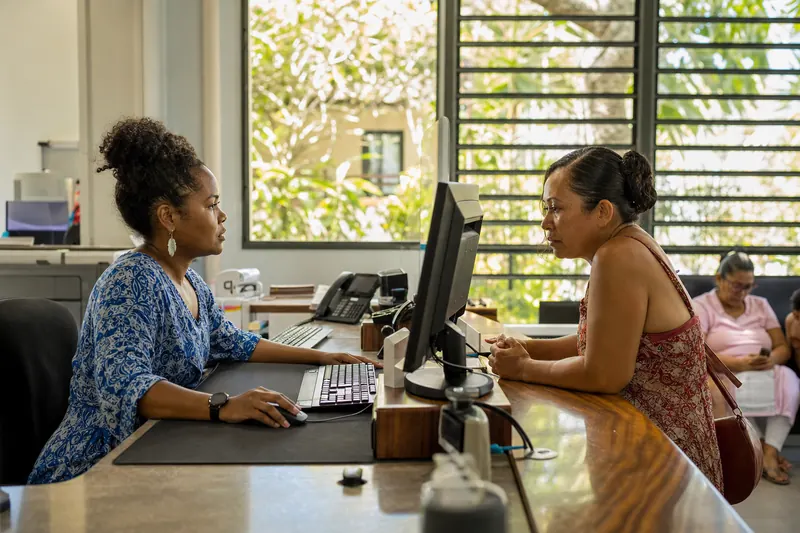 The council alerts a single neighbourhood
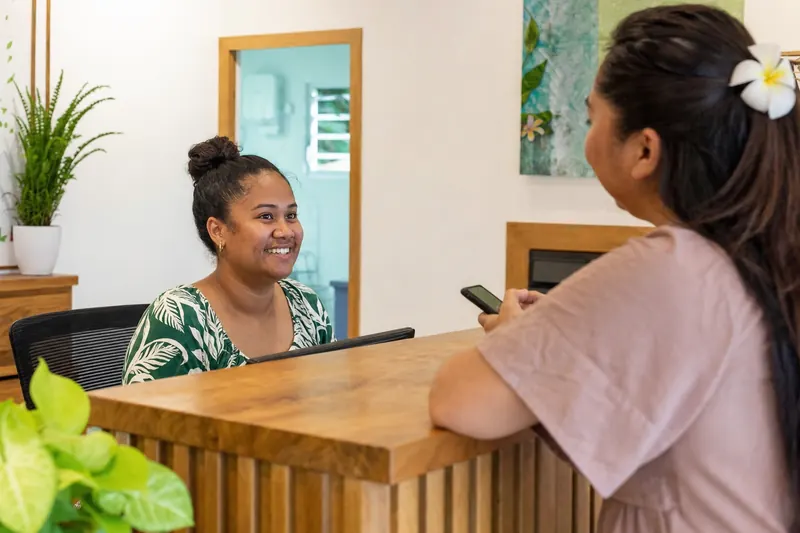 The clinic texts its waiting list
 The club reaches every member
An amount column powers payment by SMS: everyone gets their own personal link, with their own amount. Rather start from words already written? Pick from our ready-to-fill SMS templates.
Sending SMS from Excel: your questions.
Which file formats can I use?
Copy and paste from Excel or any other spreadsheet, or import a CSV file. Is your file in Excel format? Open it, copy the rows you need with their column headings, then paste them into SMS PRO.
Do the numbers need a particular format?
No. Six digits, with or without +687 or 00687, with or without spaces or dots: SMS PRO puts them all into +687 format. An unreadable, duplicate, unsubscribed or landline number is set aside on its own row, with the reason.
Do duplicates get sent twice?
No. Duplicates are counted in the preview, before the import. When you send, a number gets a single SMS if the text is the same, and one SMS per text if they differ, for example a parent with two children.
Can I use any column in the message?
Yes. Every column in your file becomes a field: {class}, {date}, {file}, whatever you need. The counter is worked out on the filled-in message, and a preview shows a real contact's SMS before you send.
Do I have to re-import the file every time?
No. The group stays in SMS PRO. Add a contact by hand, find and correct a person, or archive the group when you no longer need it. A CSV export gives you the up-to-date list.
Where are my contacts stored?
In New Caledonia, in the Stratos sovereign cloud. Some features rely on services located outside New Caledonia: artificial intelligence, the platform's emails and SMS sent abroad. Only the information needed for the operation is passed on to them; your data stays stored in New Caledonia.
Related pages
Bulk SMS
Tick your groups, write once, see who received it.
Send letters by SMS
A personalised PDF letter for each recipient, plus the read report.
Schedule a send
Pick the departure time, or spread a campaign over several days.
Your file has things to say.
A software export, the front-desk spreadsheet, the back-to-school list: tell us where your contacts come from. Since 2016, we have been turning those rows into messages people are waiting for. An adviser in Nouméa will show you the SMS filled in for each person.
50 free SMS to try, no commitment: contact@smspro.nc